



“The site’s built and it works. What am I paying you for every month?”
It’s a fair question, asked far too rarely, usually because people feel they ought to already know. You shouldn’t have to guess what you’re buying, so this is what website maintenance covers.
Software isn’t an appliance
The reasonable expectation, and the one almost everyone arrives with, is that software is a thing you buy once. You paid for it, it was delivered, it does what it does. A fridge doesn’t need a monthly retainer.
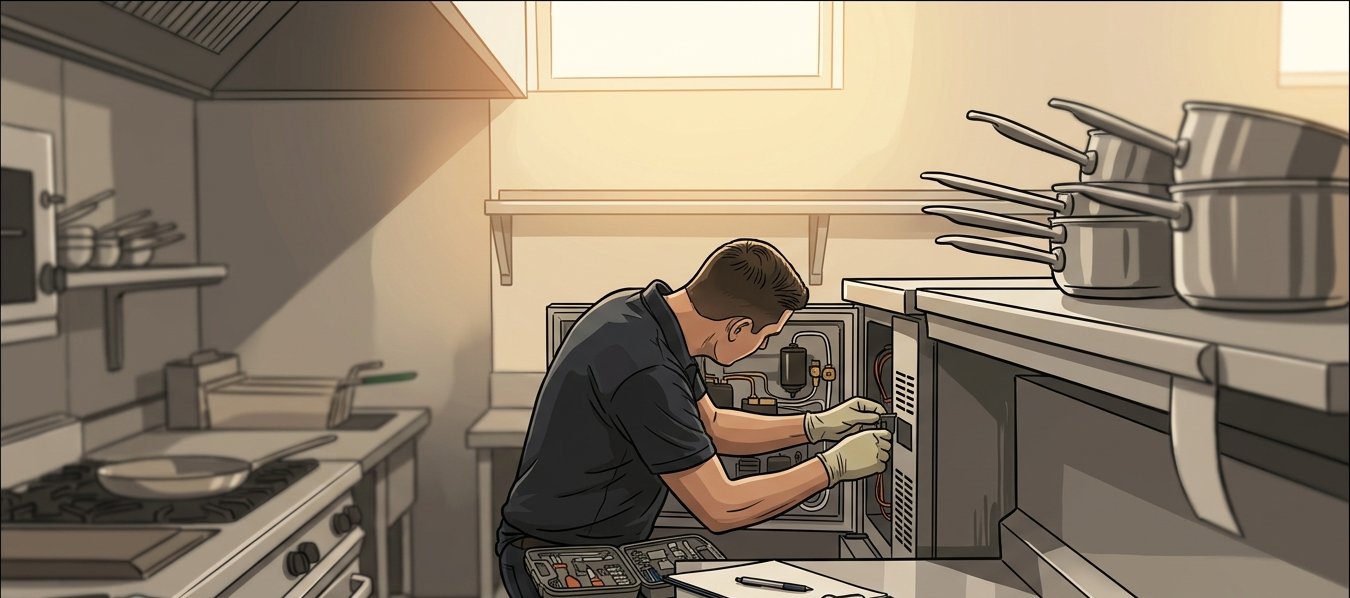
A restaurant fit-out is closer to the truth. The build is finished and it looks magnificent, and you still have a food licence to renew, refrigeration to service, a fire inspection annually, and a supplier who’s changed their delivery days. Nothing is broken. The world around it keeps moving, and staying open means keeping up.
What changes when you change nothing?
This is the part that’s most counterintuitive, so it’s worth understanding. In a year where nobody touches your site at all:
Browsers update, roughly monthly, and occasionally change behaviour your site relied on. Phones and operating systems update, and the screen sizes and interface conventions shift with them. The building blocks your software is made of, like the open-source components almost all modern software uses, release new versions, and older ones stop receiving security fixes. Your payment provider changes an integration requirement, because their regulator changed one on them. Your security certificate expires. Search engines change what they reward. A plugin author stops maintaining a plugin. Someone’s password turns up in a breach on an unrelated site.
Software doesn’t wear out mechanically, but the ground underneath it moves, and the accurate way to think about a site left completely alone for two years is not “unchanged” but “two years out of date.”
What does website maintenance actually buy?
Roughly five things:
Security patching. Applying updates to the components your system is built from, particularly the ones flagged as vulnerabilities. This is the single highest-value item on the list, and the one that most quietly prevents the worst days.
Backups that have been tested. Not backups that run. Backups someone has actually restored from, to confirm they’d work. There’s a meaningful difference, and it’s covered properly in its own right elsewhere on this blog.
Monitoring. Something watching whether the site is up, whether it’s slow, whether errors are climbing, so that you’re not relying on a customer to tell you. Finding out from a customer is both slower and more expensive than it sounds.
Small changes. The new team member’s bio, the updated pricing, the extra field on the contact form. Most retainers include an allowance for this, and it’s usually the part clients value most day to day.
Someone who already knows your system. Underrated, and the one that’s hardest to put a number against until you need it.
What does “just call us if something breaks” cost?
It’s a legitimate choice, and for some low-stakes sites it’s the right one. It’s worth knowing what you’re choosing.
You pay for the cold start. A developer coming back to a system after eighteen months spends real hours working out how it fits together, what’s changed underneath it, and what’s safe to touch. On a retainer that context is maintained. Without one, you buy it again every time.
You pay for the compounding. Updates left for two years don’t queue up politely; they tangle. Bringing a neglected system current is frequently a small project, where staying current is a routine task nobody notices.
You pay urgent rates at the worst moment. Something breaking on a Friday of a long weekend during a campaign is not the point at which you have negotiating power, and it’s not the point at which a team has spare capacity.
And you carry the risk of the incident that didn’t have to happen. The overwhelming majority of small business site compromises exploit known problems in components that had a fix available and unapplied.
What’s a reasonable number?
What matters more than the amount is whether the arrangement is specific. “Ongoing support” as a line item, with no description of what’s included, is not something you can evaluate. Ask what’s covered, what isn’t, how quickly someone responds, and what happens if you need something outside it. A partner who can answer that clearly is one worth having.
What you’re really buying is the ability to change
Here’s the part that gets missed while everyone’s discussing patching.
A maintained system is one you can still do things with. When the campaign lands, when a new integration is needed, when a regulation changes, a current system takes a fortnight and a neglected one takes three months and a conversation about whether it should just be rebuilt. That gap is where the actual money is, and it’s rarely visible on the invoice you were querying.
You’re not paying to keep something alive that ought to be self-sufficient. You’re paying to keep it current enough that the business can still ask it for things.
Not sure what your current arrangement covers?
Contact our team to go through what your software needs.
Simon Paul is a Business Solutions and Technology Specialist at Code Brewery who’s spent 25+ years turning business ideas into software that actually earns its keep. He thinks every client should be able to say exactly what their monthly bill covers, and is happy to be asked. Reach out to Simon to talk through what your software needs after launch.
 4.9
4.9  71
71 


