



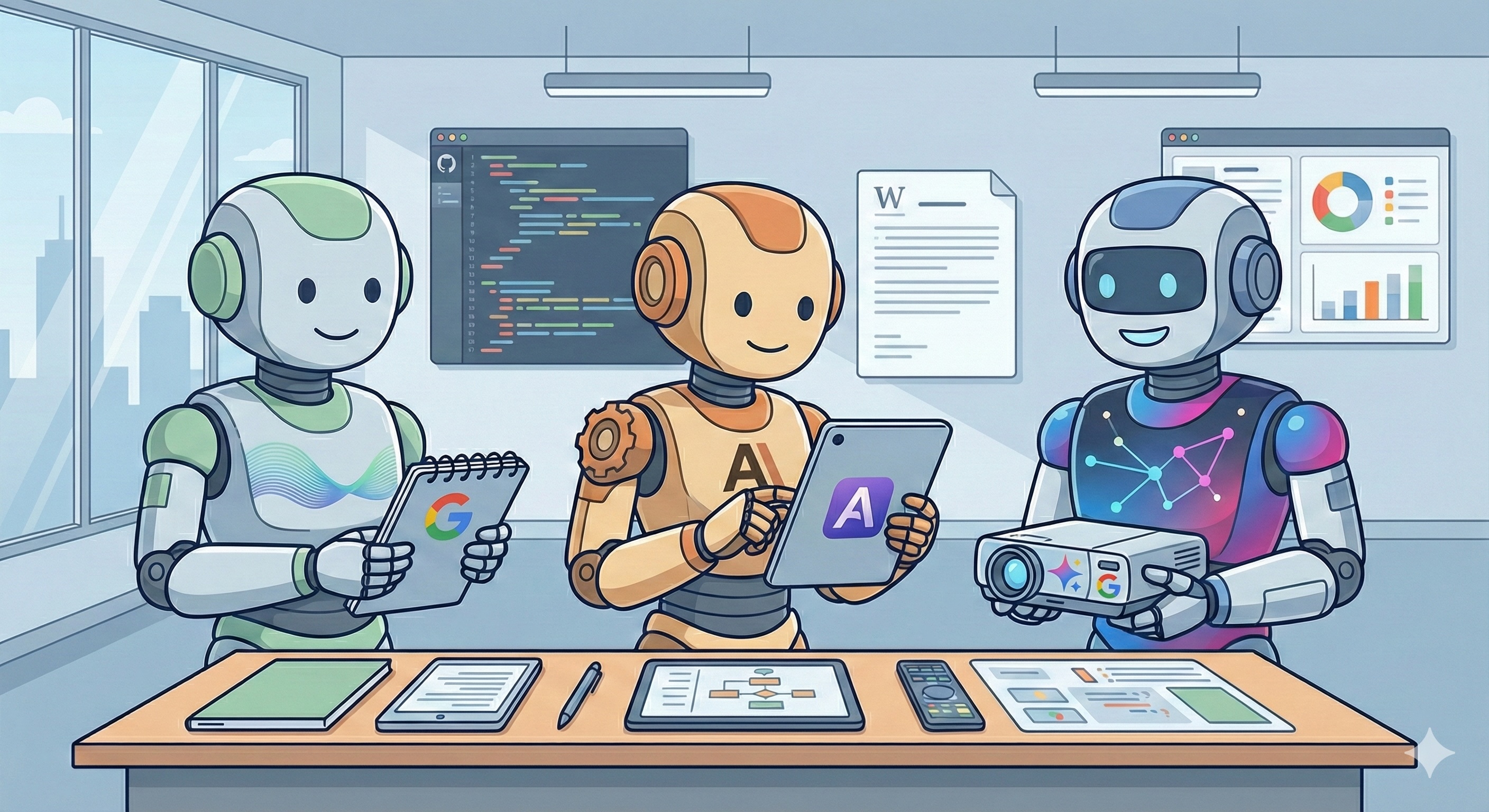
The AI tool landscape changes monthly. New models launch, capabilities expand, pricing shifts, and the “best” option depends entirely on what you’re trying to accomplish. For agencies evaluating these tools for their own workflows, or assessing technical partners who use them, here’s a practical view of where each platform tends to excel.
This isn’t a comprehensive feature comparison. Those go stale within weeks. Instead, it’s a guide to understanding the genuine differences and what they mean for real work.
The Big Three: Different Strengths, Different Contexts
ChatGPT (OpenAI) has the largest user base and the most mature plugin ecosystem. It’s often the first tool people reach for because it handles general tasks competently and the interface is familiar. Where it genuinely shines: creative brainstorming, first-draft content generation, and tasks where “good enough quickly” beats “perfect eventually.” The GPT-4 tier handles nuance reasonably well; the free tier is useful for simple tasks but hits limitations fast.
Claude (Anthropic) handles longer documents and complex analysis particularly well. For detailed specifications, lengthy contracts, or large datasets, Claude tends to maintain coherence where other tools lose the thread. It’s also notably better at following specific formatting instructions and staying within defined constraints. The trade-off: it can be more cautious, sometimes declining tasks other tools will attempt.
Gemini (Google) integrates deeply with Google’s ecosystem, which matters if your workflow already lives in Docs, Sheets, and Drive. Its strength is synthesis across sources and real-time information access. For research tasks that need current data or cross-referencing multiple documents, the integration advantage is genuine. The limitation: it’s newer to the market and the capabilities are still stabilising.
What Actually Matters in Production
Here’s what matters more than raw capability comparisons:
Consistency beats occasional brilliance. A tool that produces reliable B+ output is more useful than one that alternates between A+ and C-. When building workflows around AI assistance, predictability matters. You need to know roughly what you’ll get so you can plan the review and refinement process.
Context handling determines usefulness for real work. Most interesting tasks involve substantial context: brand guidelines, technical requirements, previous decisions, client preferences. Tools that can hold and apply large context windows without losing coherence are dramatically more useful than those that forget what they were told three prompts ago.
Output format control saves hours. Getting AI to produce output in exactly the format you need, whether that’s specific JSON structures, particular document layouts, or consistent content frameworks, varies significantly across platforms. The difference between “close enough to manually fix” and “ready to use” compounds across dozens of tasks.
Integration capabilities matter for workflows. API access, plugin ecosystems, and integration with existing tools determine whether AI assistance remains a manual copy-paste process or becomes genuinely embedded in how work gets done.
Common Use Cases by Platform
Rather than prescribing which tool to use, here’s where each tends to perform well:
Research and synthesis: Gemini’s real-time access and source integration make it strong for gathering current information and cross-referencing multiple documents. Claude handles analysis of lengthy existing documents well.
Content drafting and variation: ChatGPT’s creative capabilities make it effective for generating initial drafts and exploring different approaches. It’s particularly good at matching tone when given examples.
Technical and structured tasks: Claude tends to follow complex instructions more precisely, making it useful for tasks with specific formatting requirements or multi-step processes that need to stay on track.
Quick tasks and general assistance: ChatGPT’s speed and broad competence make it the path of least resistance for everyday tasks that don’t require specialised capabilities.
The Expertise Layer Remains Essential
Here’s what’s easy to miss in tool comparisons: the value extracted from any of these platforms depends heavily on who’s using them.
The same tool that produces mediocre output for one user generates genuinely useful results for another. The difference is rarely the prompts themselves. It’s understanding what good output looks like, knowing how to evaluate and refine what comes back, and recognising when the tool is confidently wrong.
This applies whether we’re talking about code generation, content creation, or analysis. AI tools amplify existing capability. They don’t substitute for domain knowledge. Someone who understands software architecture gets more value from AI coding assistance than someone learning the basics. Someone who knows effective copywriting can direct and refine AI content output more effectively.
The question isn’t whether to use AI tools. It’s whether the people using them have the expertise to direct and evaluate the output effectively.
The Integration Question
The trickier question for most organisations isn’t which tool to use. It’s how to integrate AI assistance into existing workflows without creating new problems.
Tools used in isolation, where someone copies output and pastes it elsewhere, capture only a fraction of the potential value. But deeply integrated AI workflows require careful thinking about version control, quality gates, audit trails, and failure handling.
Organisations that rush to embed AI across processes often struggle when they can’t explain how decisions were made or reproduce results. The integration work is often more complex than the AI capability itself.
Questions Worth Asking
If you’re evaluating technical partners, or assessing your own team’s AI adoption, here are questions that reveal maturity:
What’s the selection logic? Are tools being chosen thoughtfully for specific purposes, or is everyone just using whatever’s familiar?
How is output validated? This matters more than which AI is being used. The verification process is where quality control lives.
What happens when AI doesn’t work? Contingency planning reveals maturity. AI assistance fails sometimes. Teams that have thought this through handle it smoothly.
Where does the integration complexity live? This is often where cost and risk actually sit, not in the AI component itself.
The tools will keep evolving. What won’t change is the need for expertise in applying them effectively. Understanding the landscape helps separate thoughtful adoption from trend-chasing.
Wondering how AI tools fit into your next project?
Contact our team to discuss practical approaches that deliver results.
Simon Paul is a Business Solutions & Technology Specialist at Code Brewery with 25+ years in digital production. He’s found that the interesting questions are usually about outcomes rather than tools. Reach out to Simon to discuss how emerging technology fits into your next project.
 4.9
4.9  69
69 


